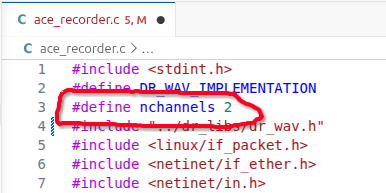
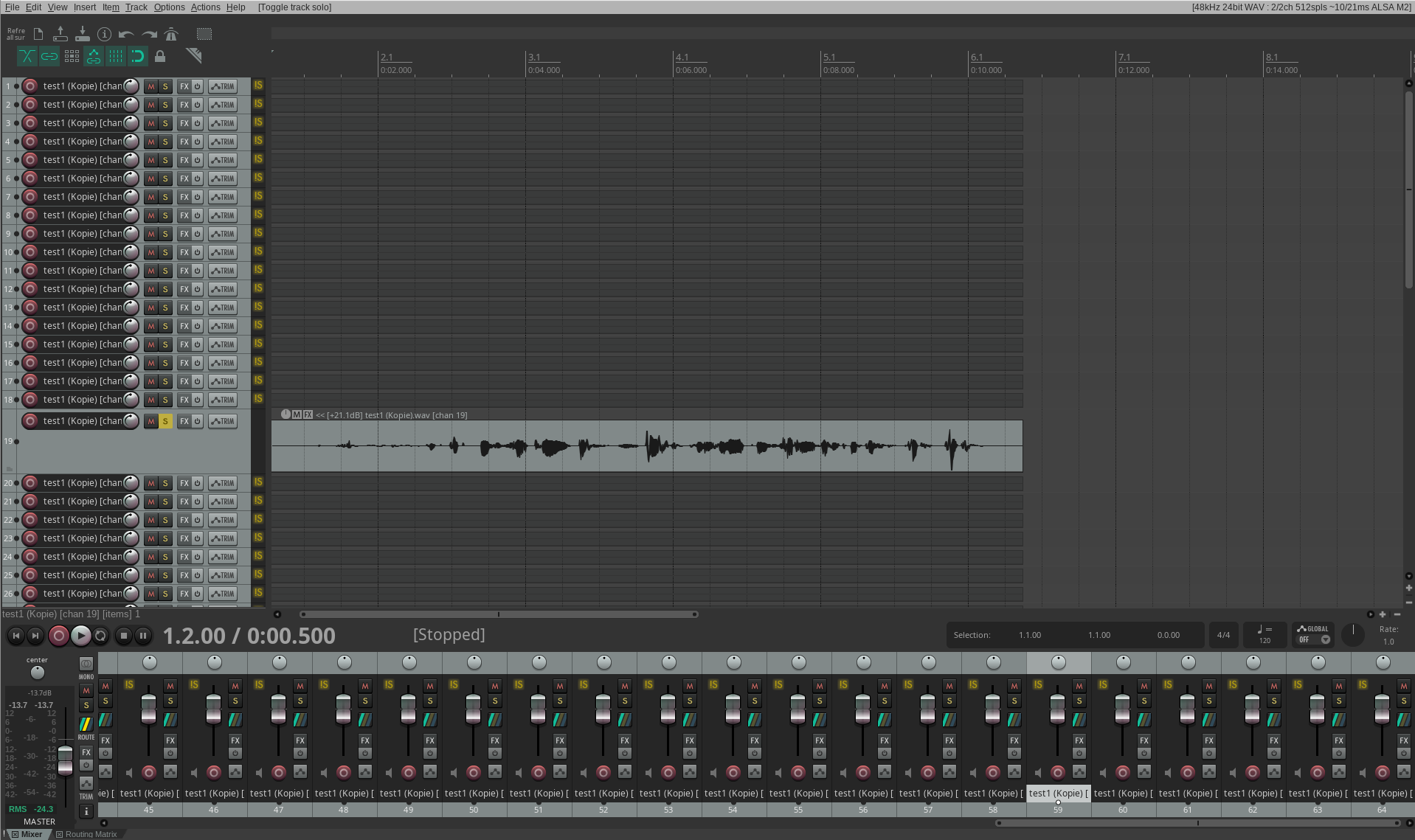
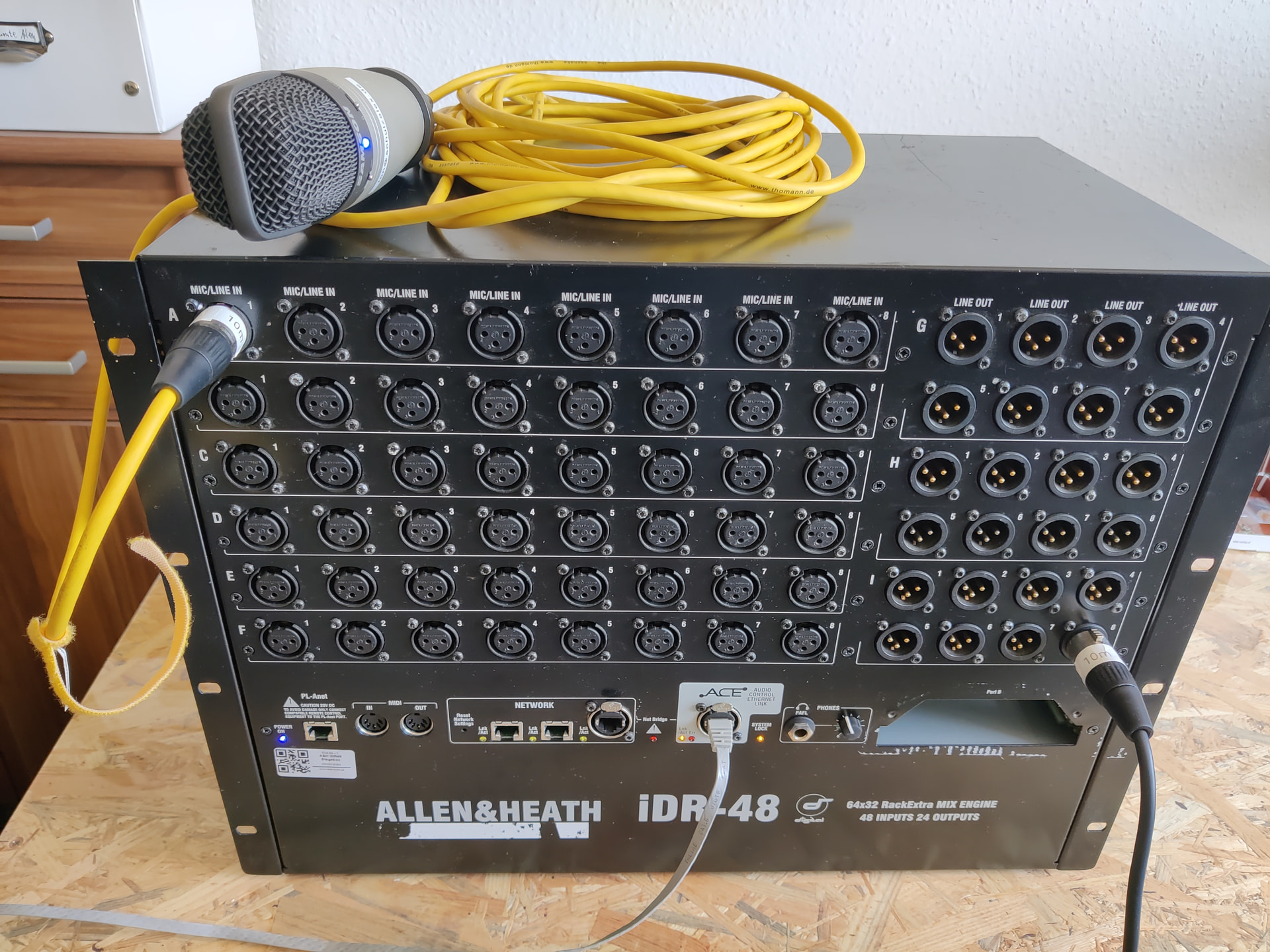
The following information could possibly be helpful:
Edit: Most of the information is already in the GitHub Repos linked above.
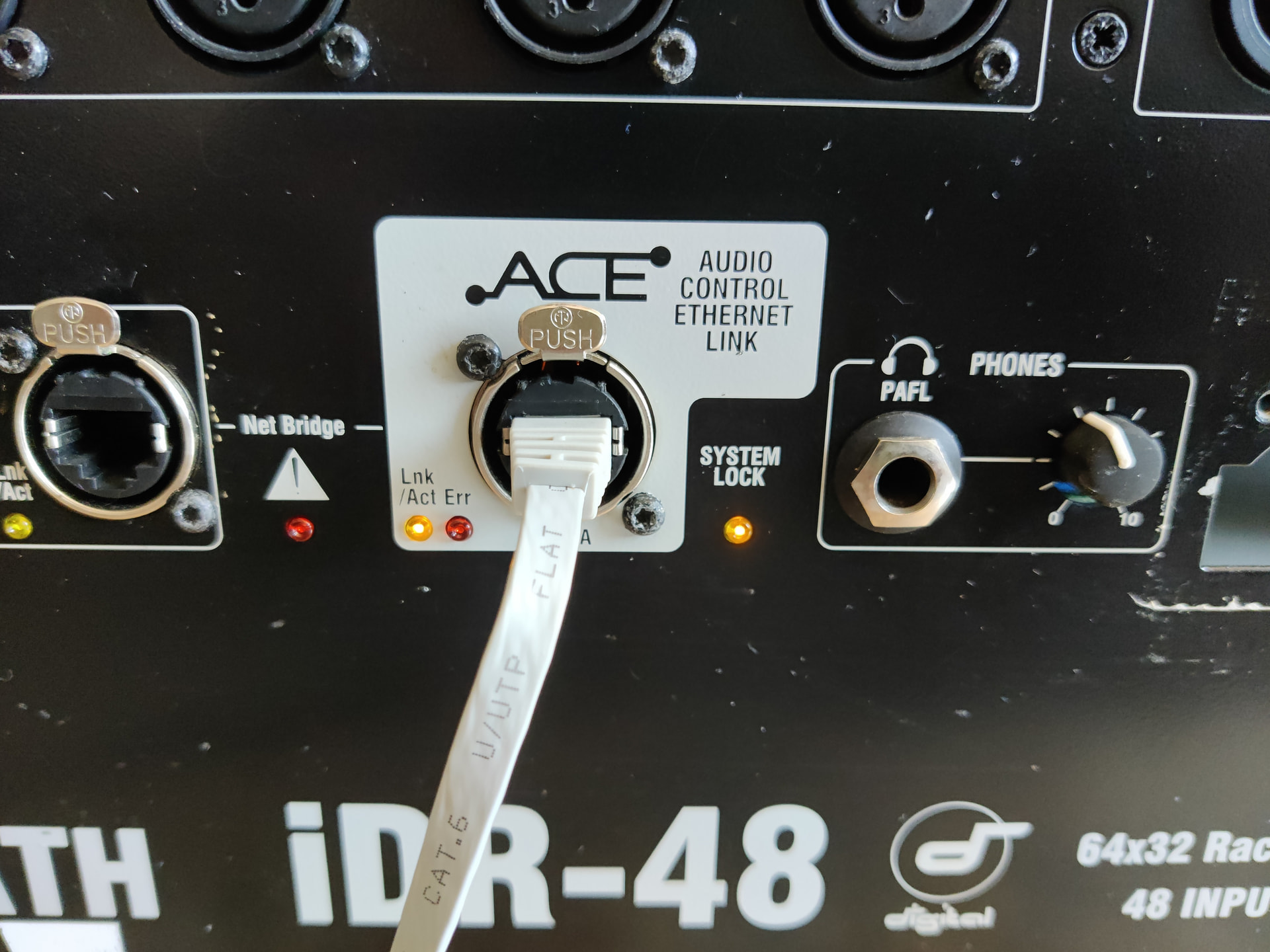
If you start the editor in offline mode, select idr10 as the stagebox without surface and set the IOs according to your iDR48 (A-F analog in, G-I analog out, Slot A M-ACE), you can flexibly route most of the the outputs. Then safe the show, restart the editor in online mode (connected to the iDR48), and load the show again. Doing that, you can even use the iDR as a stagebox for SQ. The only drawback: Preamp control through ACE/Slink isn’t working, so you have to use the editor/iPad/MixingStation App for controlling the iDR’s Gain/Pad/Phantom.
ACE is, allthough being a Layer 2 protocol, designed to be a point to point connection between Mixrack and Surface (or multiple MixRacks). There is a whitepaper that recomends certain media converters for running ACE over optical Fiber. You can, technically, run ACE through a VLAN, but the ACE has to have highest priority. Otherwise, the sync probably gets lost. Several artists/engineers/companys did that.
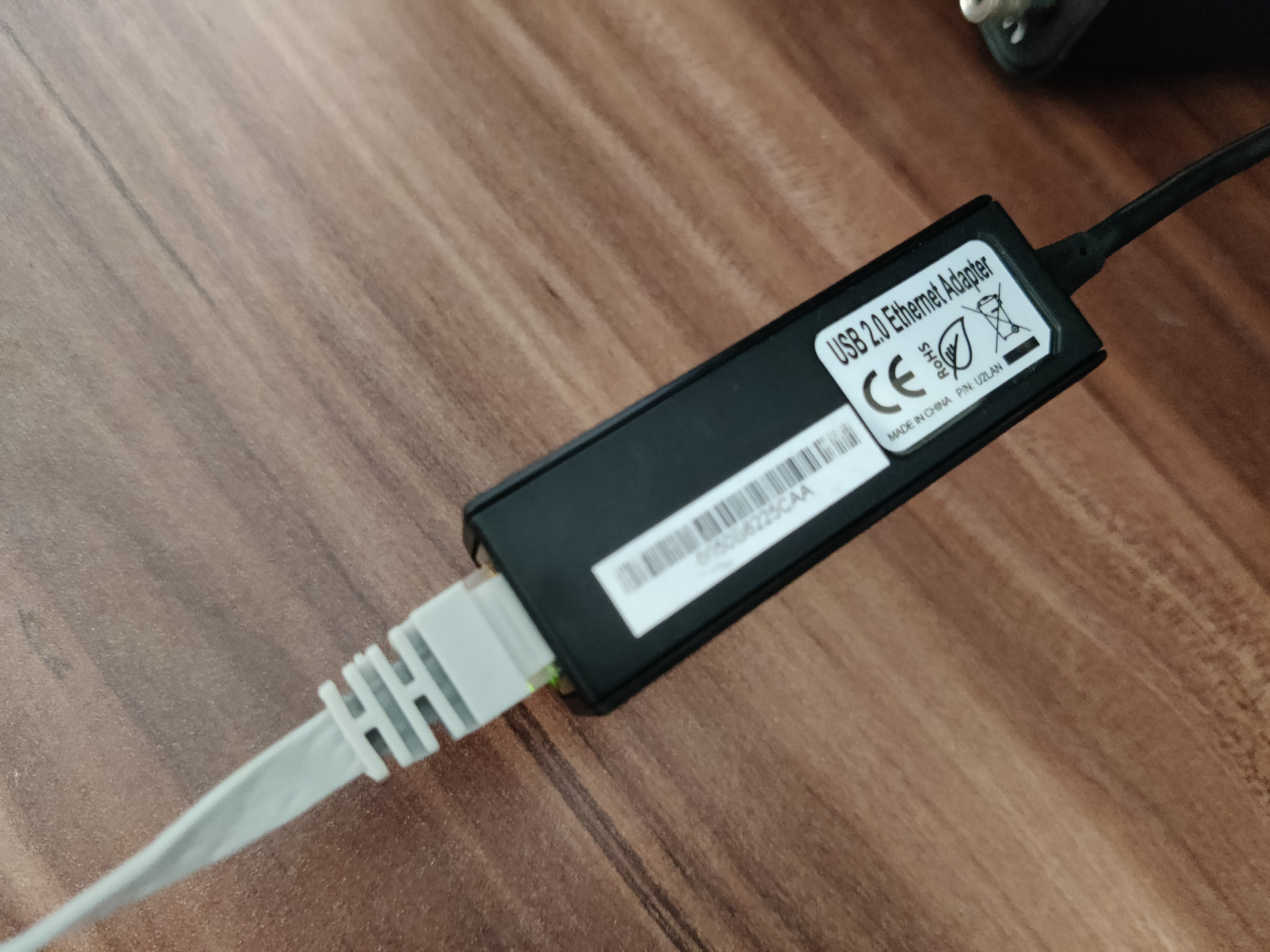
AFAIK, ACE uses layer 2 for audio transport that tunnels Layer 3 for control. It’s somehow also tunneling the network ports between MixRack and surface with a few 10Mbits bandwith. I used that a few times for running ArtNet from FoH to stage. You can also connect MixRack and surface via their network ports (not ACE), that enables control (Layer 3) but obviously no Audio.
I think, the most difficult part implementing playback will be the whole timing/sync/handshake/heartbeat stuff.
Unfortunately, I sold my surface last year, so I can’t provide wireshark dumps…
SLink Recording should work as well with a small change in bit stuffing. The iLives Surface password is dsl5000. The Software running on the surface touchscreen is the same as the jar in the firmware, it can be easily decompiled and the code is very readable. The offline editor simulates a Mixrack, you can connect a surface to it.
 …
…